Short answer: A wristwatch is set by pulling out the crown on the side of the case and turning it. On analogue quartz watches with a date, the crown usually has three positions: pushed fully in, the watch runs; at the first click, the date changes; at the second click, the hour and minute hands turn. Do not change the date between 9:00 pm and 1:00 am, use the date change to tell AM from PM, and push the crown all the way back in when you finish. Positions can vary by model; the watch's instruction manual has the exact details.
This guide explains how to set the time and date on battery-powered analogue quartz watches such as Dice Kayek watches. Digital watches are set with buttons, and hand-wound or automatic watches also need winding; for those types, follow your watch's manual. Setting a moon phase display is covered separately in our moonphase watch guide.
Contents
- How many positions does a crown have, and what does each do?
- How do you set a wristwatch step by step?
- How do you set the date on an analogue watch?
- What happens when the hour hand passes 12 while setting?
- How do you correct the date at the end of the month?
- What if the crown will not turn or the watch does not keep time?
- What should you know about Dice Kayek date watches?
- Frequently asked questions
How many positions does a crown have, and what does each do?
The crown is the setting button of an analogue watch, and on quartz watches with a date it usually has three positions. In position 0 (pushed fully in) the watch runs normally. Position 1, the first click, changes the date. Position 2, the second click, turns the hour and minute hands; in this position the seconds hand stops. Watches without a date usually have only a time-setting position. The clicks can be felt as slight resistance as you pull; do not force the crown beyond the last one.
The crown is also simply called the winding crown; its role and the other parts of a watch are explained in our guide to watch parts and names. The table below summarises the general layout in Citizen and Seiko instruction manuals; if your watch differs, its manual takes precedence.
| Position | What it does | Seconds hand | Watch out |
|---|---|---|---|
| 0 — pushed in | The watch runs normally | Runs | Push the crown fully back here after setting |
| 1 — first click | Changes the date (date models) | Runs | Do not use between 9:00 pm and 1:00 am |
| 2 — second click | Turns the hour and minute hands | Stops | Check AM/PM by watching the date change |
How do you set a wristwatch step by step?
The safest way to set a wristwatch is to move the hands out of the date-change window first, then set the date, and set the hour and minute hands last. This order stops the date from changing at the wrong time and avoids straining the calendar gears. It takes a minute or two and is the same on most quartz watches with a date.
- Take the watch off and make sure the case is dry.
- Pull the crown to position 2 and turn the hands forward. The moment the date changes is midnight; from there, move the hands to around 6:00 am.
- Push the crown to position 1 and set the date to the day before today. The crown may change the date in one direction only; if nothing happens, turn it the other way.
- Pull the crown back to position 2 and turn the hands forward. Once you pass midnight the date moves to today; then go on to the correct time. If it is now afternoon, turn the hour hand one more full round (12 hours).
- Fine-tune the minutes: move the minute hand 4–5 minutes past the target and then turn it back. For an accurate seconds hand, pull the crown when the seconds hand is at 12 and push it in with a time signal.
- Push the crown fully back to position 0 and check that the seconds hand is running again.
Taking the watch off makes the crown easier to grip on small women's cases and keeps it from being pushed against the wrist.
Time difference when travelling: When you go to another time zone, you only need to change the hour hand. Pull the crown to position 2 and turn the hour hand forwards or backwards by the time difference. If you pass midnight while turning forwards, the date moves on by one day by itself. If you turned backwards or the date is wrong, check it in position 1 while the hands show a morning or daytime hour. Reverse the steps when you return.
How do you set the date on an analogue watch?
On an analogue watch the date is set by pulling the crown to position 1 and turning it. Turn the crown until the date window shows the right day, then push the crown back in. When you change the date matters: Seiko and Citizen manuals ask you not to set the date between 9:00 pm and 1:00 am on date-only watches.
During this window the calendar mechanism has already started moving the date on to the next day. According to the manuals, turning the date by hand at this time can stop the date from changing the next day or damage the mechanism. On models showing both the day and the date, the window is longer.
| Display type | Do not change the date | What to do |
|---|---|---|
| Date only | 9:00 pm – 1:00 am | Move the hands to around 6:00 am first |
| Day and date | 9:00 pm – 4:00 am (Seiko) / 4:30 am (Citizen) | Move the hands to a morning hour |
| Time setting (position 2) | The date may change by itself in this window | Check the date last |
Other guides give different windows, such as 9:00 pm to 3:00 am. The table only lists the values in the manufacturer manuals we opened and checked; if your watch's manual gives a different window, follow it.
What happens when the hour hand passes 12 while setting?
With the crown in position 2, if the date changes as the hour hand passes 12, you have passed midnight; if it does not, you have passed noon. An analogue dial shows 12 twice a day, but the calendar turns only once, at midnight. That is why the date change is the only sign of whether the watch is in the AM or PM half of the day.
If AM and PM are set the wrong way round, the date will change at noon every day. The Seiko manual says this explicitly. To correct it, pull the crown to position 2, turn the hour hand one full round (12 hours) and check the date again in position 1.
How do you correct the date at the end of the month?
Most analogue watches with a date count every month as 31 days. So after 30-day months and February, the window shows 31, or 29–30, on the 1st of the month. To correct it, pull the crown to position 1, set the date to 1 and push the crown back in.
The Citizen manual states that this correction is needed on the 1st of March, May, July, October and December. In other words, it is a few seconds' work five times a year. Make the correction in the morning or during the day and avoid the 9:00 pm to 1:00 am window. If you forget on the 1st, the date stays one day off all month; simply set the correct date in position 1 when you notice.
What if the crown will not turn or the watch does not keep time?
If the date does not change after you pull out the crown, the crown is usually in the wrong position or being turned the wrong way. On some movements the date turns in one direction only; the Citizen manual notes that turning the other way moves nothing. If the crown will not pull out or feels stuck, do not force it; a bent crown stem needs servicing.
| Symptom | Possible cause | What to do |
|---|---|---|
| The date does not change | Crown in position 2 or wrong direction | Move the crown to position 1 and turn the other way |
| The date changes at noon | AM/PM set the wrong way round | Turn the hour hand 12 hours |
| The seconds hand has stopped | Crown left in position 2 | Push the crown fully in |
| The watch loses time after setting | Weak battery or crown not fully in | Check the crown; if it continues, battery and service |
| The crown will not pull out or feels loose | Stem or gasket problem | Do not force it; contact a service centre |
Battery replacement is not covered by the warranty; if you suspect a manufacturing fault, the terms are set out on our warranty and service page.
What should you know about Dice Kayek date watches?
If a Dice Kayek product specification says "Function: Date" (Takvimli), the watch has a date display and the date-setting steps in this guide apply. Dice Kayek watches have quartz movements, solid stainless steel cases and bracelets, and hardened mineral glass. The number of crown positions can vary by model; the exact details are on the product page and in the documents supplied with the watch.
The water resistance rating of our date models is shown on the product page; most date models on sale are 3 ATM. This rating withstands splashes, but the watch should not get wet while the crown is pulled out. The Seiko manual asks you not to pull out or turn the crown when the watch is wet.
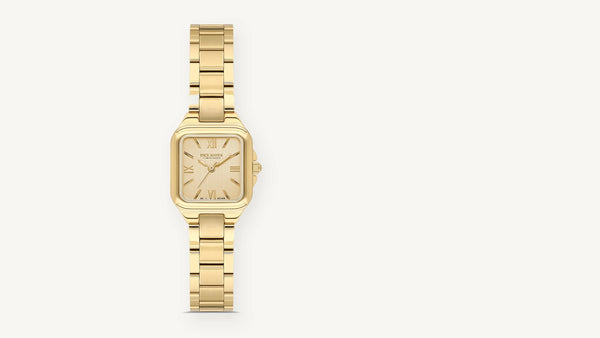
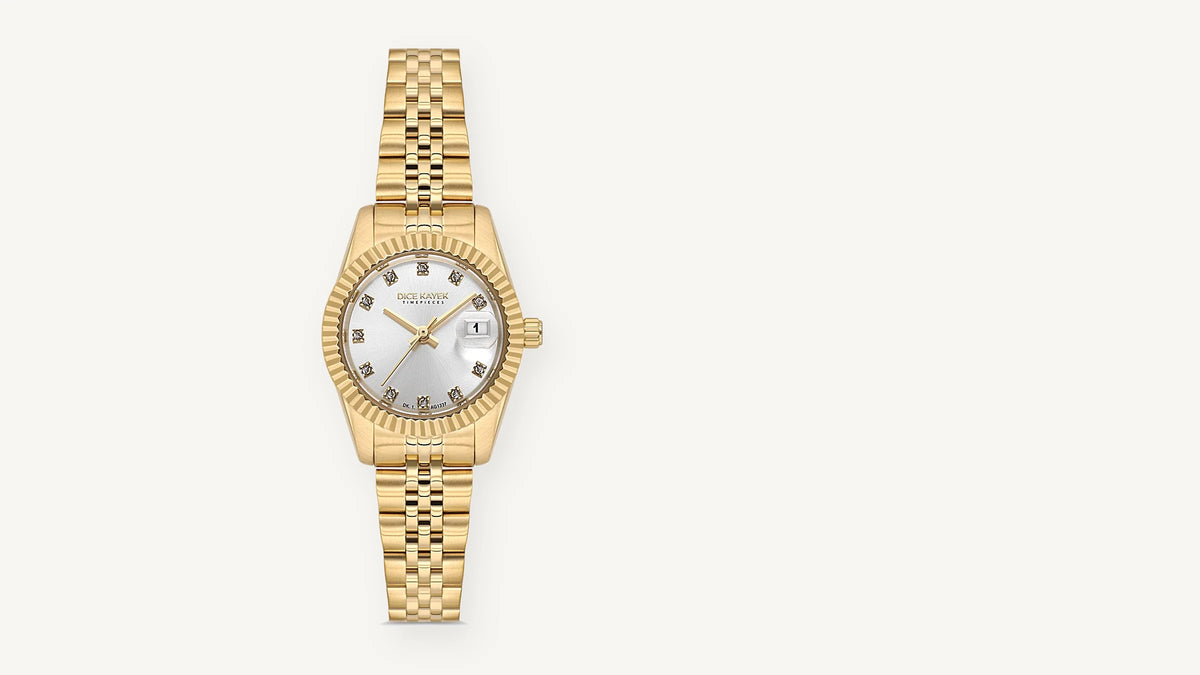
A date window is a practical detail for everyday use. Solid stainless steel models from our women's date watches:
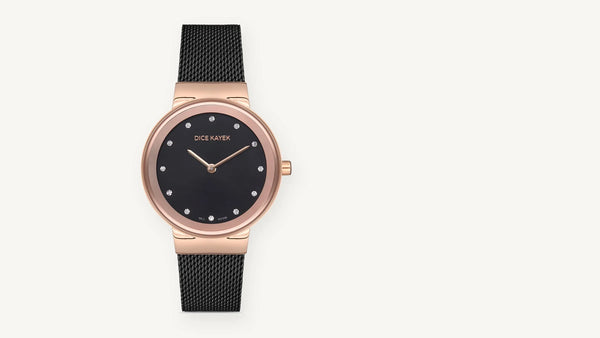
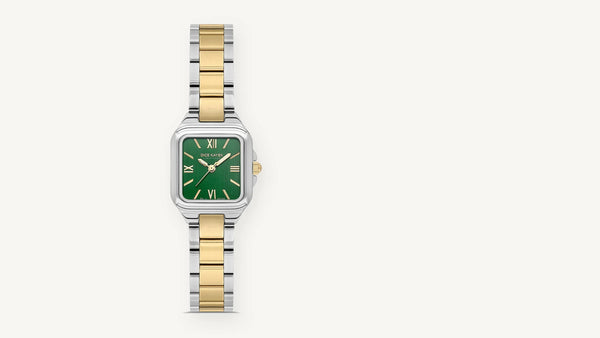
Date models with silver, rose and coloured dials:
All options, including models without a date, are on the women's watches page. If you are not sure which wrist to wear your watch on, see our article on which wrist a watch should be worn on.
Date watches
Models that show the date at a glance
Dice Kayek date models have a date window on the dial; shipping within Türkiye is free and you can return your order within 30 days of delivery.
Explore date watches →Frequently asked questions
How do you set a wristwatch?
Pull the crown to position 2, turn the hour and minute hands, and push the crown fully back in at the correct time. On a date watch, the date is set in position 1. Setting the date first and the time second is the safest order.
How do you set the date on an analogue watch?
Pull the crown to position 1, turn it until the correct day appears in the date window and push the crown back in. If the date does not change, turn it the other way. Do not do this between 9:00 pm and 1:00 am.
What happens when the hour hand passes 12 while setting?
If the date changes as the hour hand passes 12, you have passed midnight; if it does not, you have passed noon. If the date has started changing at noon, turn the hour hand one full round, that is, 12 hours.
How many positions does a crown have?
On analogue quartz watches with a date, the crown usually has three positions: pushed in to run, the first click for the date and the second click for the time. Watches without a date mostly have a single setting position. The exact layout is in the watch's manual.
How do you correct the date at the end of the month on a date watch?
After 30-day months and February, on the 1st of the month pull the crown to position 1, set the date to 1 and push the crown back in. This correction is needed five times a year.
Should I move the hands forwards or backwards?
For small corrections, either direction works. Manufacturer manuals recommend moving the minute hand 4–5 minutes past the target and then turning it back, so the minute sits more precisely. Turning forwards makes it easier to watch the date change.
What should I do if the crown will not turn when pulled out?
First check that the crown is in the right position and try turning it the other way; on some movements the date turns in one direction only. If the crown feels stuck or loose, do not force it and take the watch to a service centre.
Why does my watch lose time after it has been set?
Possible causes are a crown that has not been pushed fully in or a weakening battery. If the crown stays in position 2, the seconds hand stops. If the crown is in place and the watch keeps losing time, the battery needs checking.
How do you pull out the small crown on a women's watch?
Take the watch off, place the tip of your fingernail in the gap under the crown and gently pull the crown outwards. Feel for the clicks as you go. Do not use a pen or a metal tip; it can scratch the case.
Does setting a watch affect its water resistance?
Setting done correctly in a dry place does not affect water resistance. The risk is leaving the crown pulled out or pulling it while the watch is wet. When you finish, push the crown fully in, and set the watch only after drying your hands.
Can a watch be set at night?
The hour and minute hands can be set at night too. On date watches, however, do not change the date between 9:00 pm and 1:00 am; on models showing the day and date, this window can extend to 4:00 am.
Related guides: Why Does a Watch Run Slow?
About this article
Prepared by: Dice Kayek Timepieces · Last updated: 16 November 2026
The technical information in this guide is based on Dice Kayek Timepieces product specifications and on manufacturers' published user manuals. For exact values, see the technical specifications table on each product page; prices and stock are read live.
Sources: Seiko — Setting the time and date (instruction manual) · Seiko — Handling cautions · Citizen — Abbreviated instruction (PDF)